Under the "Default Quantity" menu, the user can make three settings:
-
Default Quantity
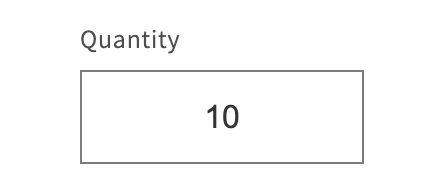
This sets the default quantity specified for a product, which appears pre-set on the product page:
-
Min Quantity
The minimum quantity that can be ordered. If this is not met, a warning appears: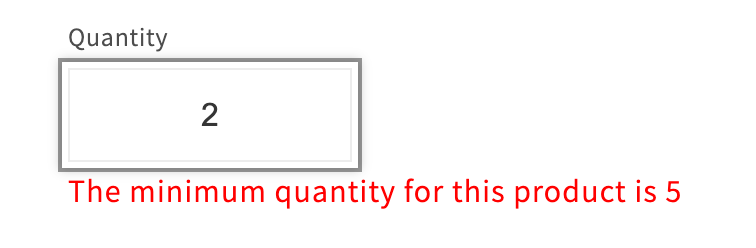
-
Max Quantity
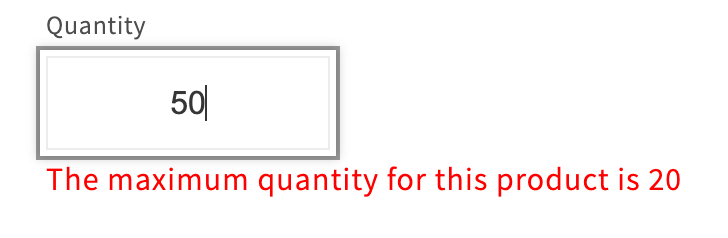
The maximum quantity that can be ordered. If this is exceeded, a warning appears: