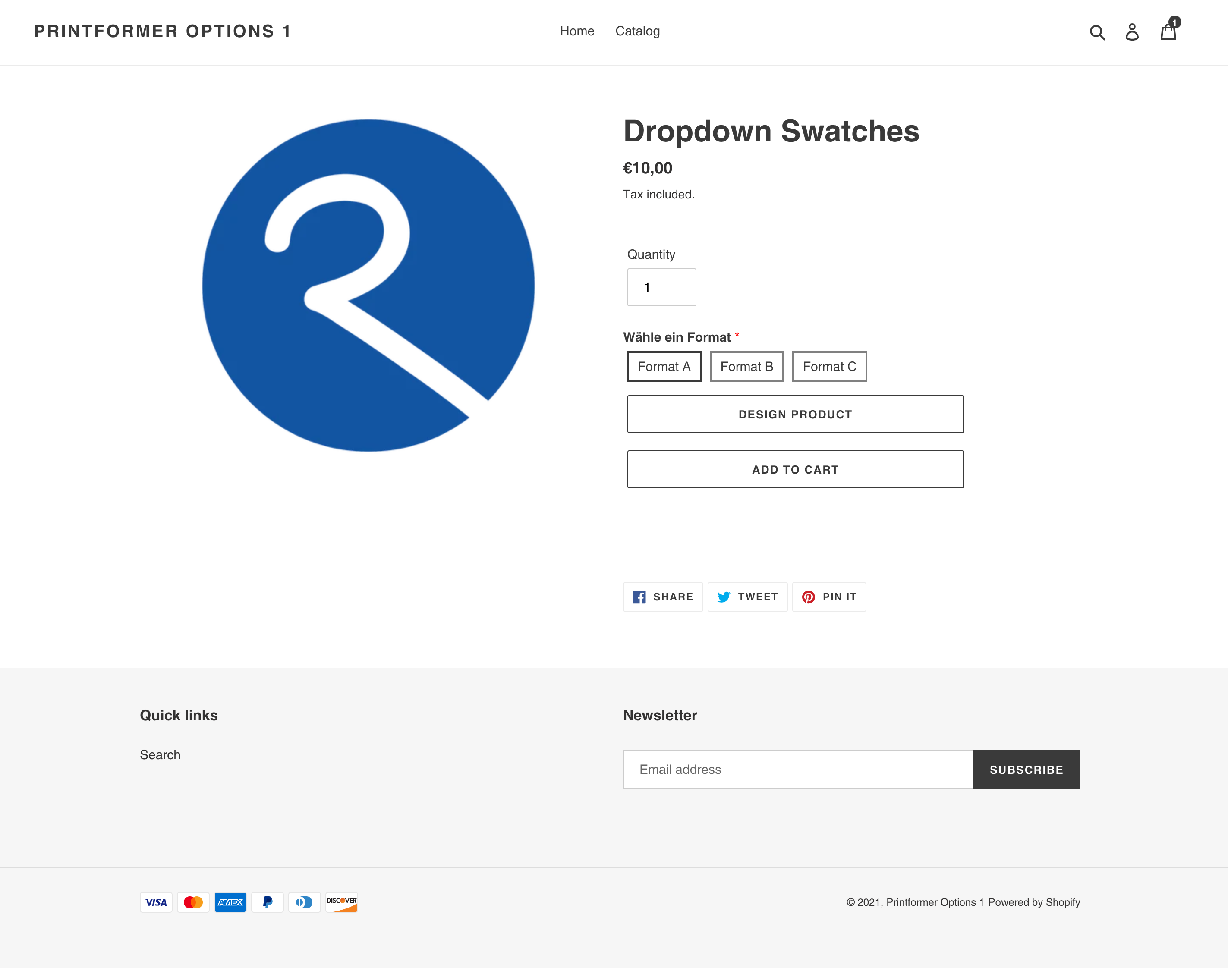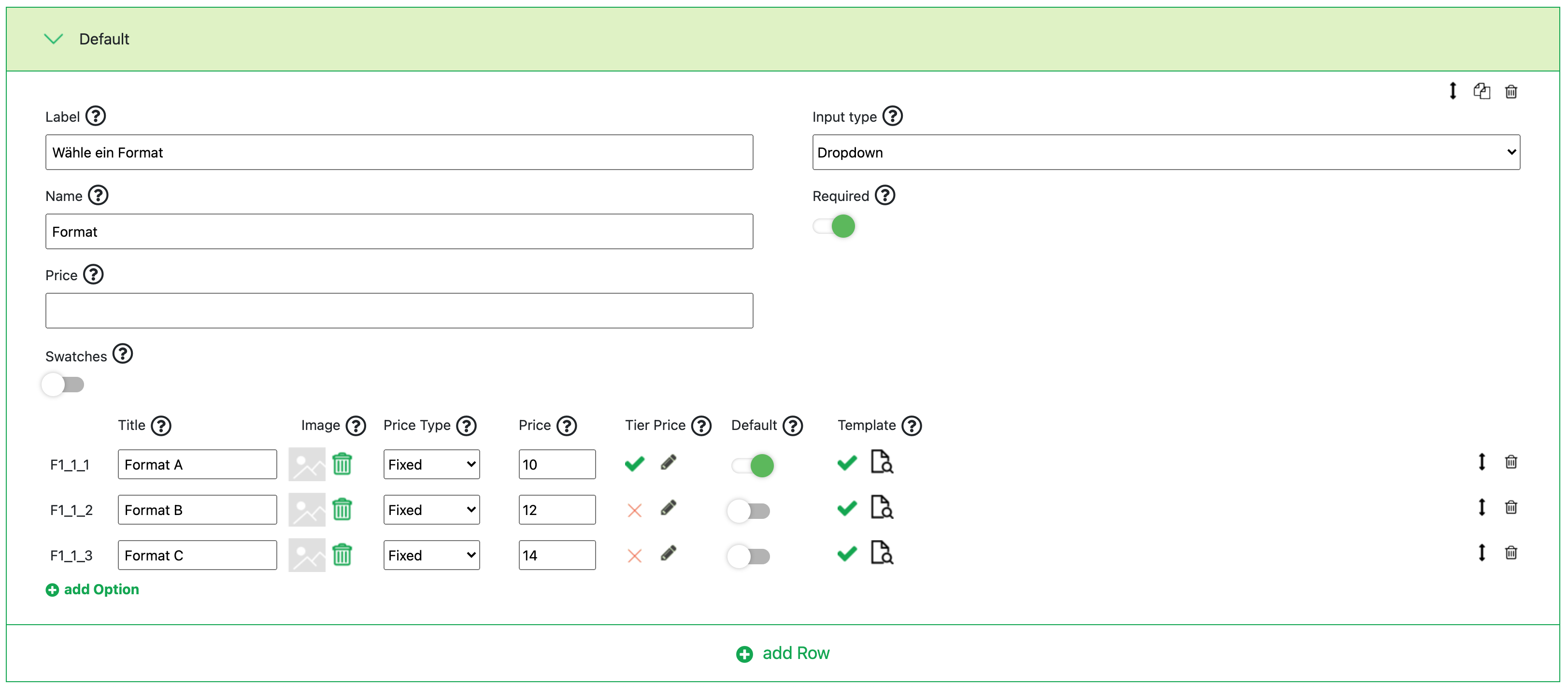
The Dropdown input type defines a selection that can be made on the product page. The following additional settings can be configured:
|
Label |
Label that is being shown on the product page |
|
Name |
Name of this option for the cart, checkout, and for the view in the admin |
|
Price |
Additional price added to the product price |
|
Swatches |
Instead of a dropdown, buttons are displayed for the selection. |
|
Required |
A required field must be filled out before adding it to the cart |
For an option, the following information can also be provided:
|
Title |
Title for the option in the dropdown |
|
Image |
Display of an image for the option when swatches are activated |
|
Price Type |
Selection of whether the surcharge should be added to the Shopify product price as a percentage or a fixed amount |
|
Price |
Surcharge for the option |
|
Tier Price |
Specification of a tiered price that should apply for a certain quantity |
|
Default |
Selection of which option should be preselected when accessing the product page |
|
Template |
Linking with a printformer template. Depending on the format selection, for example, a different printformer template can be loaded when the user clicks on the "Design" button on the product page
Only one printformer template can be linked per option. Please ensure that there are no overlaps, for example, if two dropdowns have links to printformer templates. If a product has multiple design parts, such as the interior and the cover of a book, "Sections/Multipart Products" must be activated. |
On the product page in Shopify, the configuration made above looks as follows:
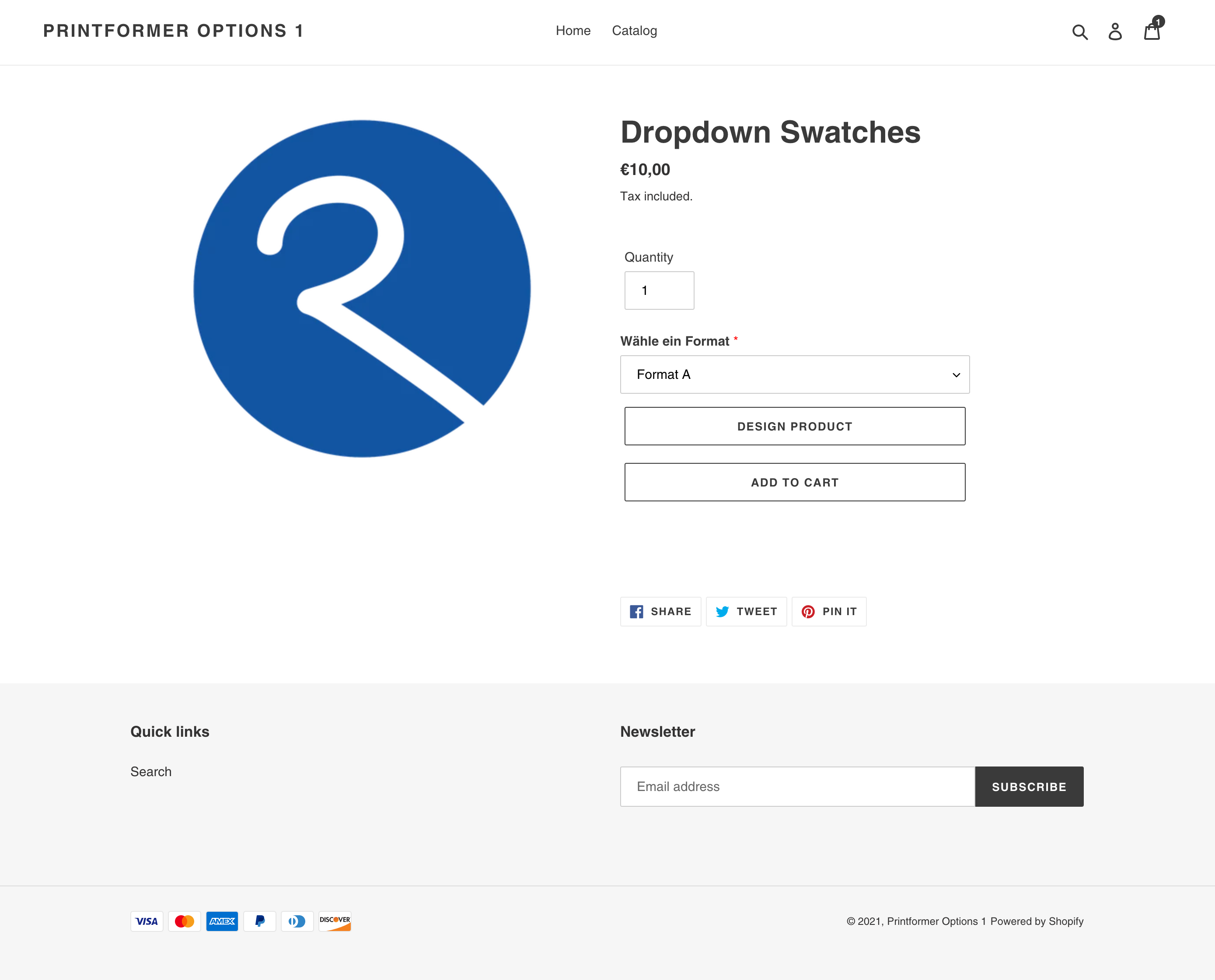
When swatches are activated, it looks as follows: