The status is visible in the Closed Shop user area and the user can filter according to this.
If a new order status is created, it can be assigned to a Mail template in the Mail Management. (As soon as the status is set, an e-mail can be sent to the customer).
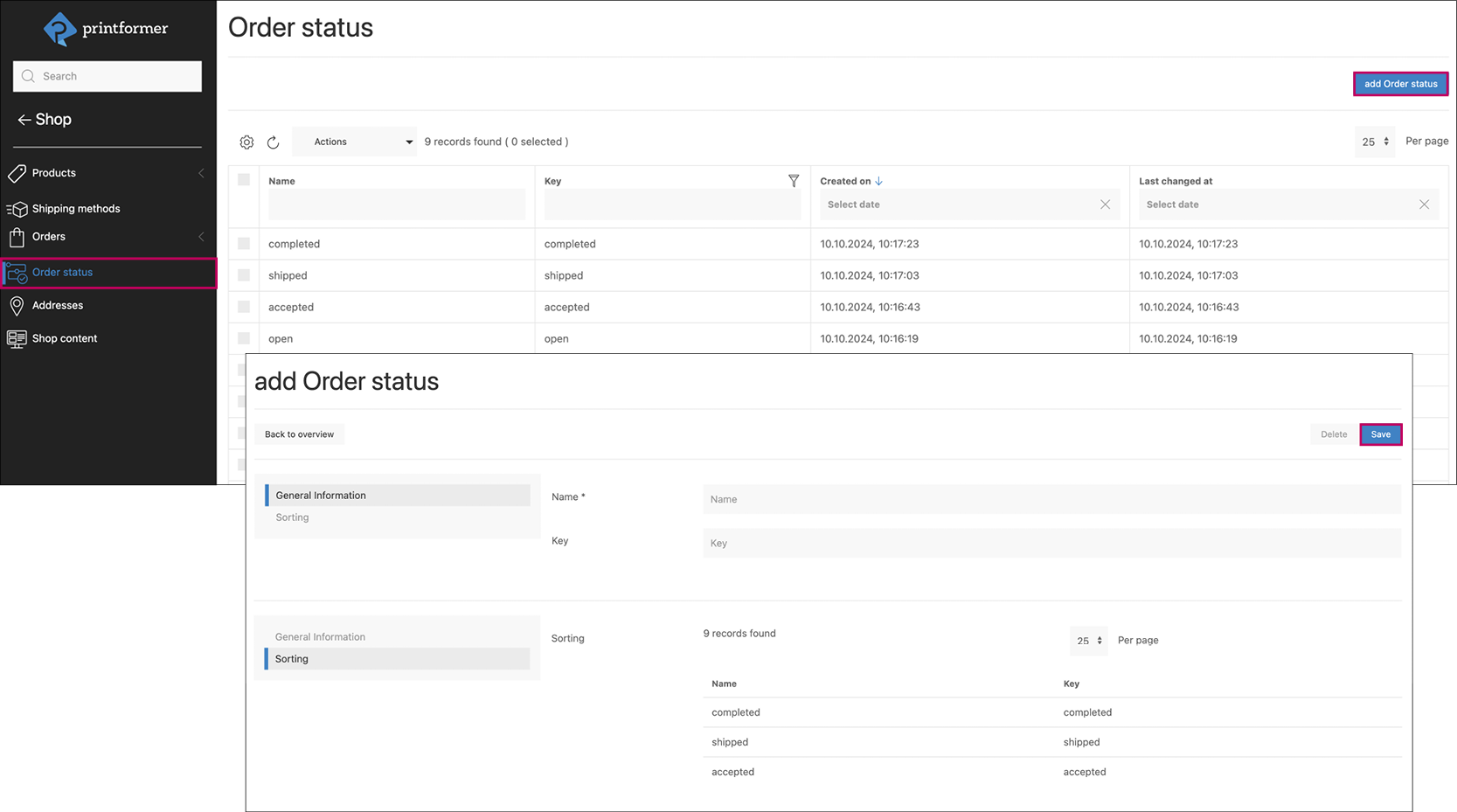
Predefined order statuses can be edited or new ones created in the overview.
Add order status: Enter Name and Key (displayed for the user), under Sorting the order of all existing statuses can be adjusted using drag & drop.