
This tutorial explain how you can create a IDML file via API
Instructions
For this tutorial you need to know how you can create a draft and access user files with a JWT Token
-
Request IDML Package
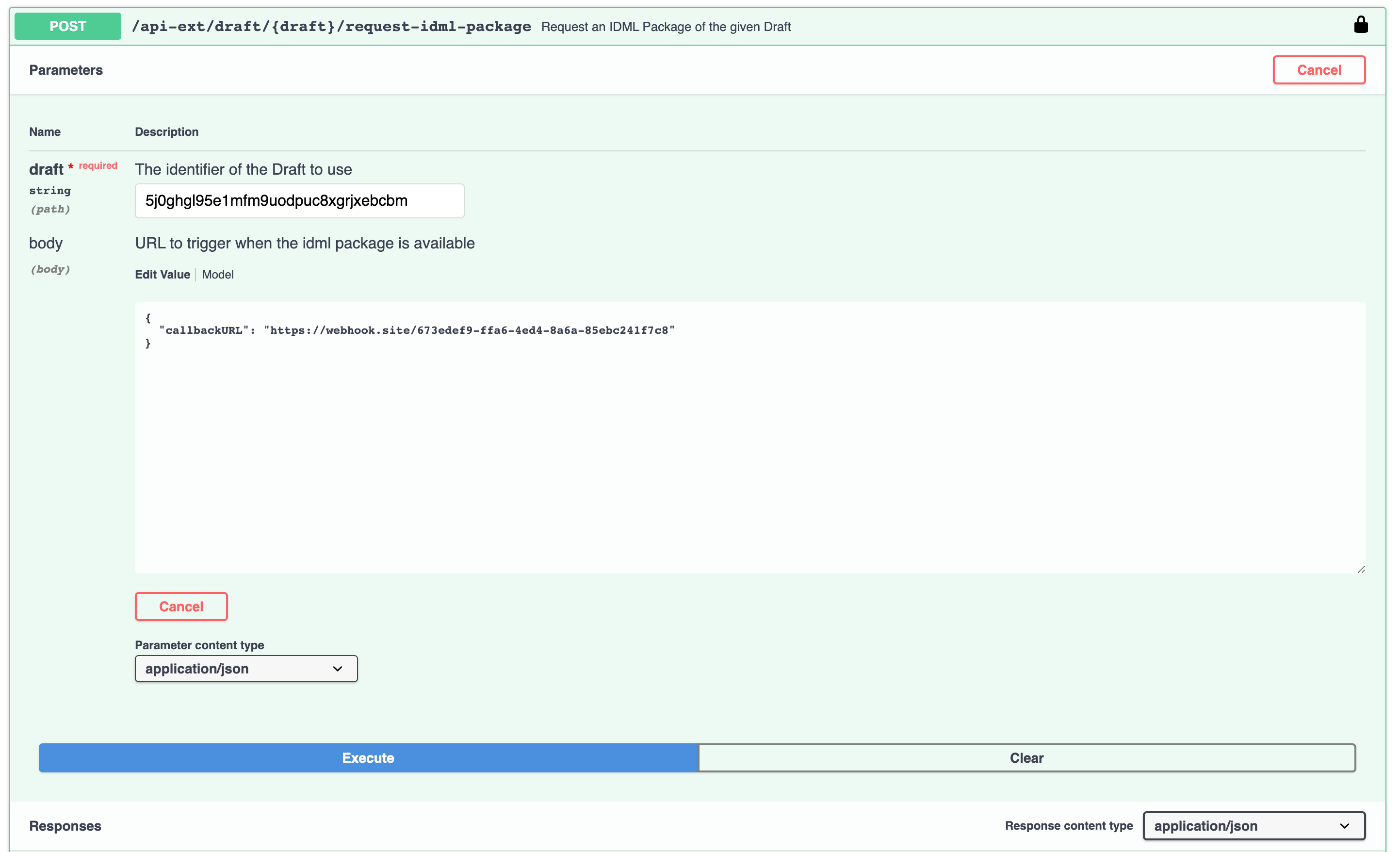
-
After IDML Package was created, you get a empty callback to your CallbackURL

-
Now you call the idml-package endpoint and get a URL to your IDML File (JWT Token necessary)
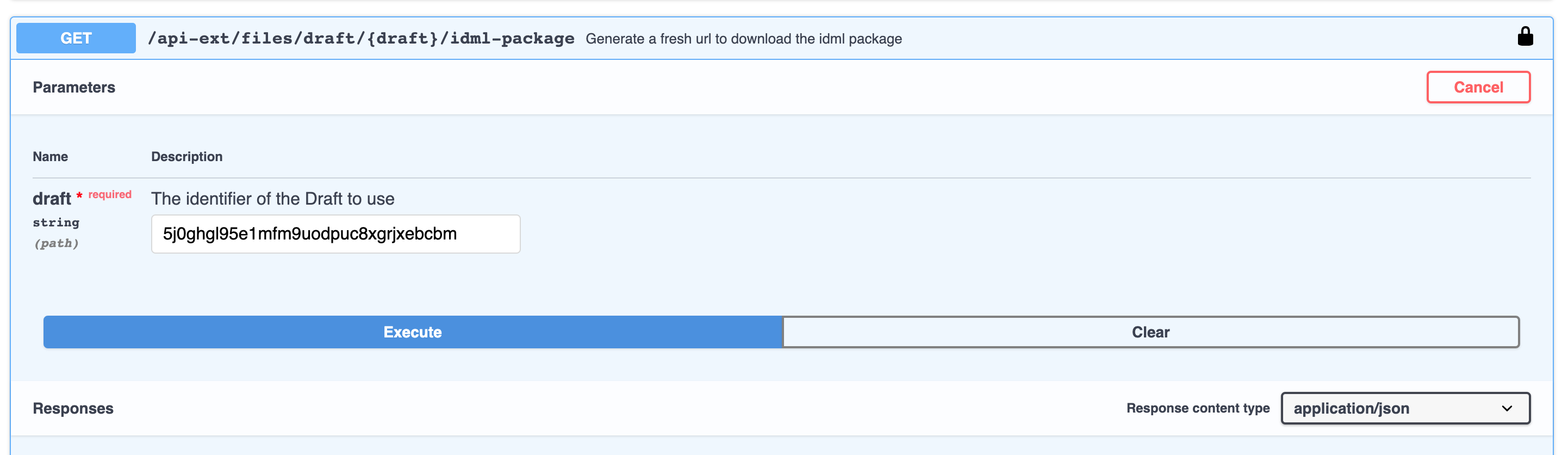
https://{PRINTFORMER_URL}/api-ext/files/draft/{DRAFT_ID}/idml-package?jwt={JWT}
The following points should be considered when exporting IDML:
-
multi-page IDML templates cannot be exported (for template type customizable bundle export of a multi-page IDML is possible)
-
the original structure (incl. tags and attributes) is no longer included in the exported IDML
-
no tabs can be used in the templates
-
Templates with spot colors (PANTONE / HKS) cannot be exported (the following color spaces are possible: RGB, CMYK, LAB)
-
all assets (images, graphics) inserted into the template will be linked
-
If paragraph formats are stored in the source IDML, they are applied to texts even if the user has reformatted them in the editor (user formatting is overwritten).
-
the following features / properties are not included in the IDML file:
- BlockSetting text-fit
- Barcodes / QR Codes
- Lists (bullets and numbering) -
Settings of transparency or color changes of SVG files are reset during IDML export (opacity again 100%, SVG is taken over unchanged into IDML)
-
a changed image cropping is not transferred to the IDML (image is adapted to the size of the image block)
-
compliance with the level sorting cannot be guaranteed
-
Bleed settings (from the source IDML) are deleted during export