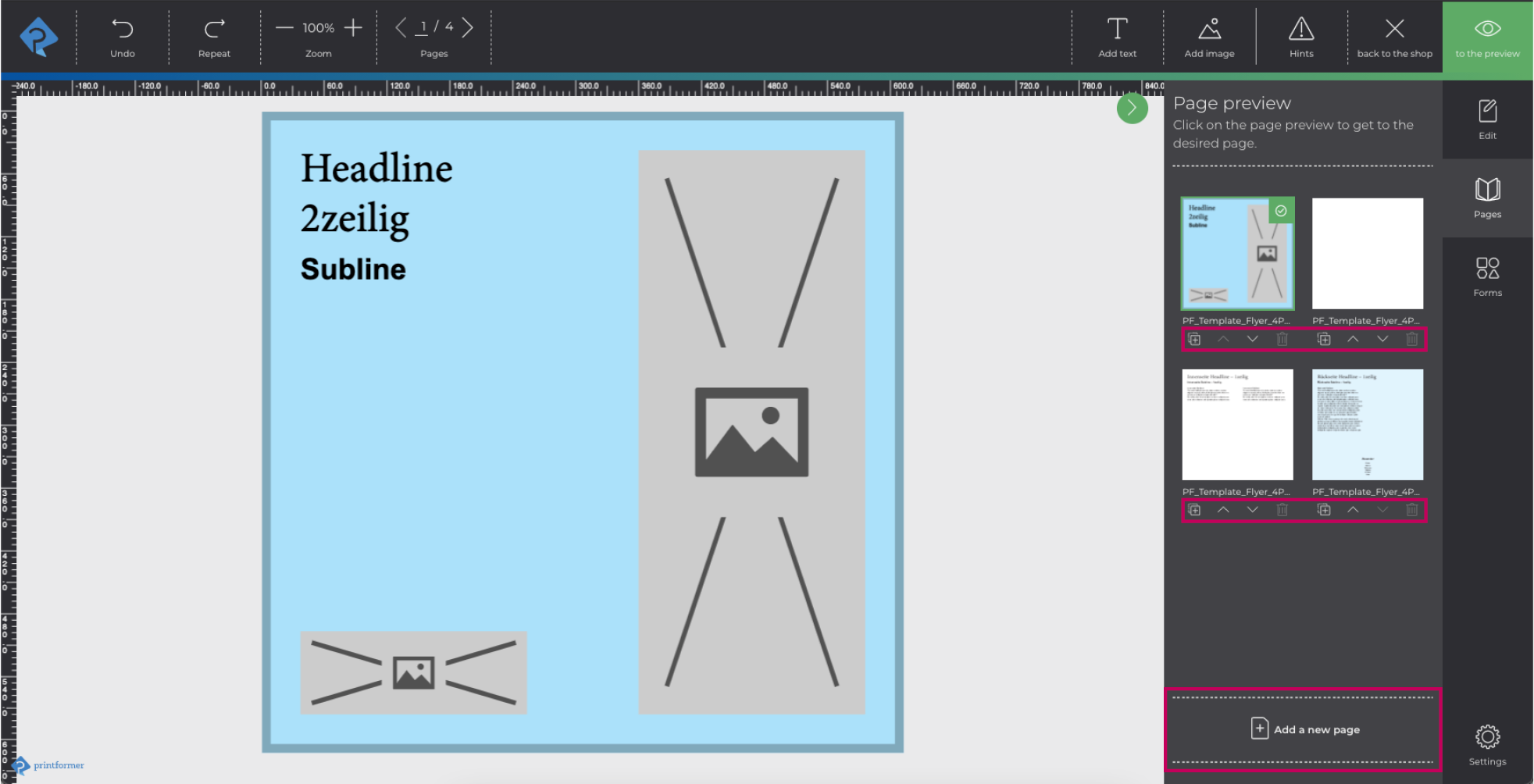
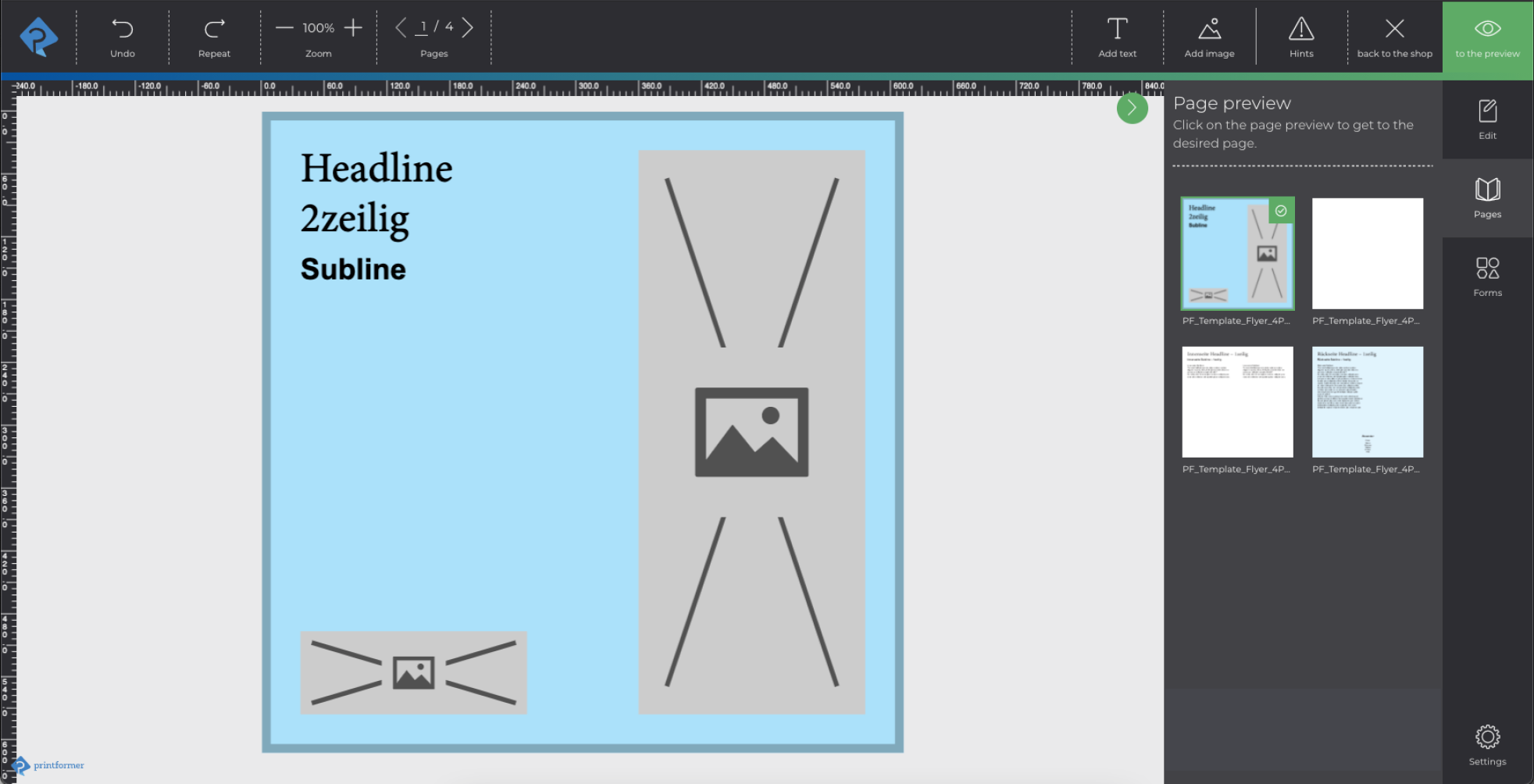
If templates with several pages are created in printformer, the Pages tab will appear in the editor (side-bar) for selecting the respective page.
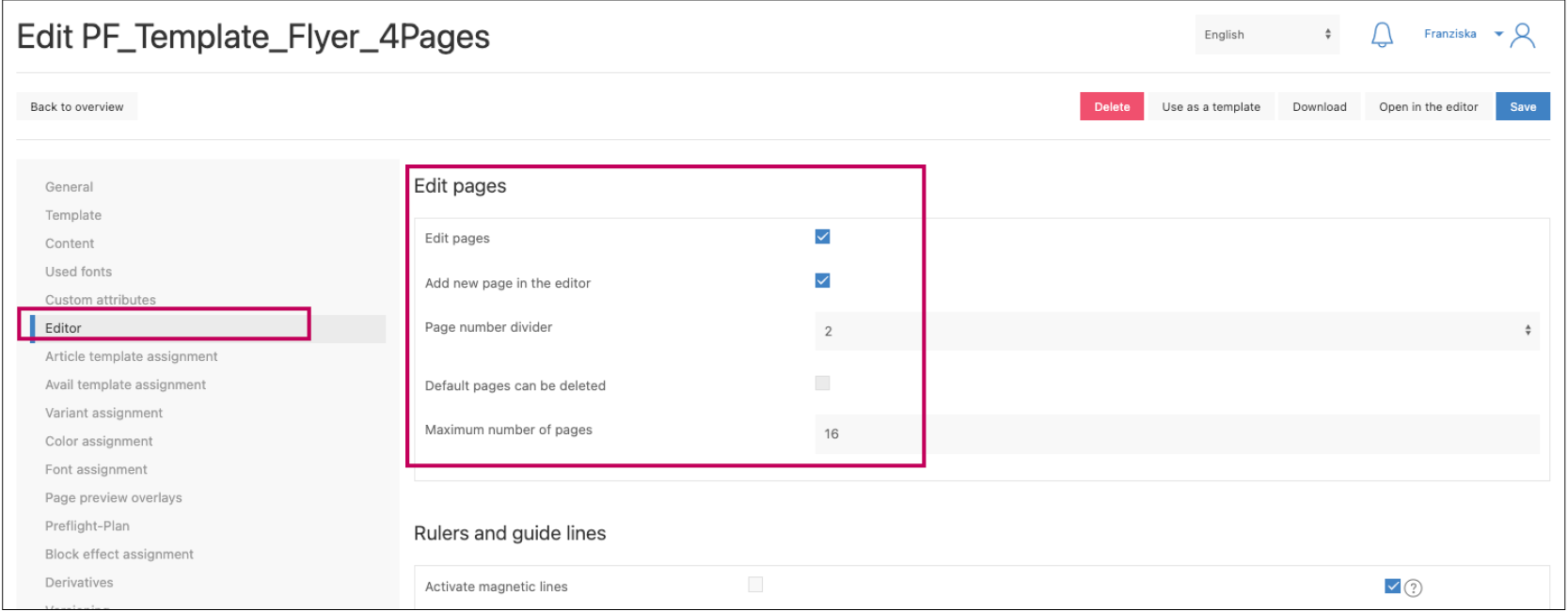
In addition, it is possible (in the editor configuration of the template) to allow the user to edit the pages available in the template.
|
Feature |
Usage |
|---|---|
|
Edit pages |
Pages can be moved (page order can be adjusted) or duplicated. |
|
Add new page in the editor |
Via Add a new page a (existing) page can be selected and inserted. |
|
Page number divider |
The number by which the total amount of pages in the template must be divisible is specified here. (Relevant for production, for brochures the dividor is usually 4). |
|
Default pages can be deleted |
In the editor, the default pages of the template may also be deleted. |
|
Maximum number of pages
|
Determines the maximum number of pages in the template. (Once the amount has been reached, no more pages can be added without deleting pages first). |