
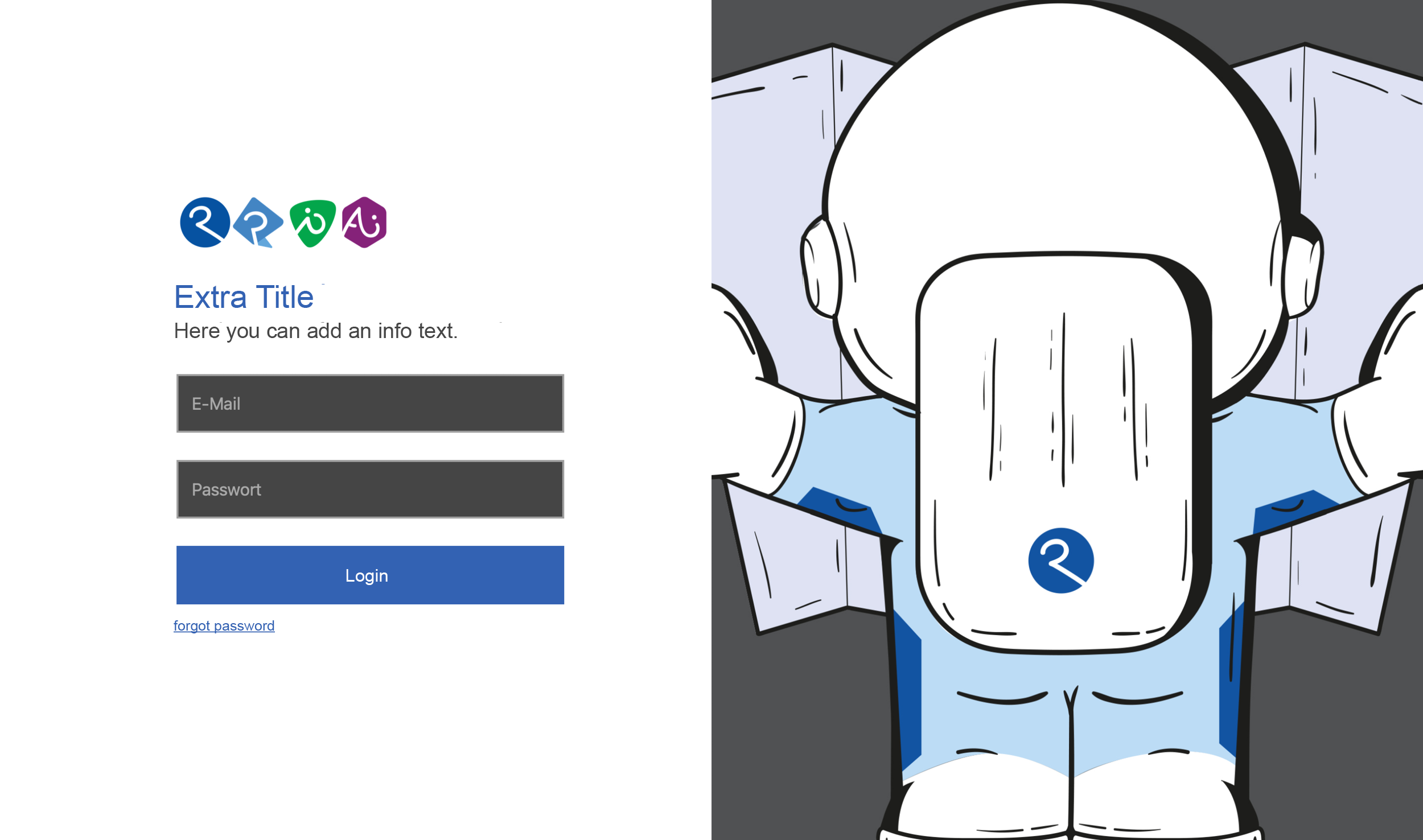
In this menu, you can easily customize the login page for printformer Closed Shop according to your individual requirements.
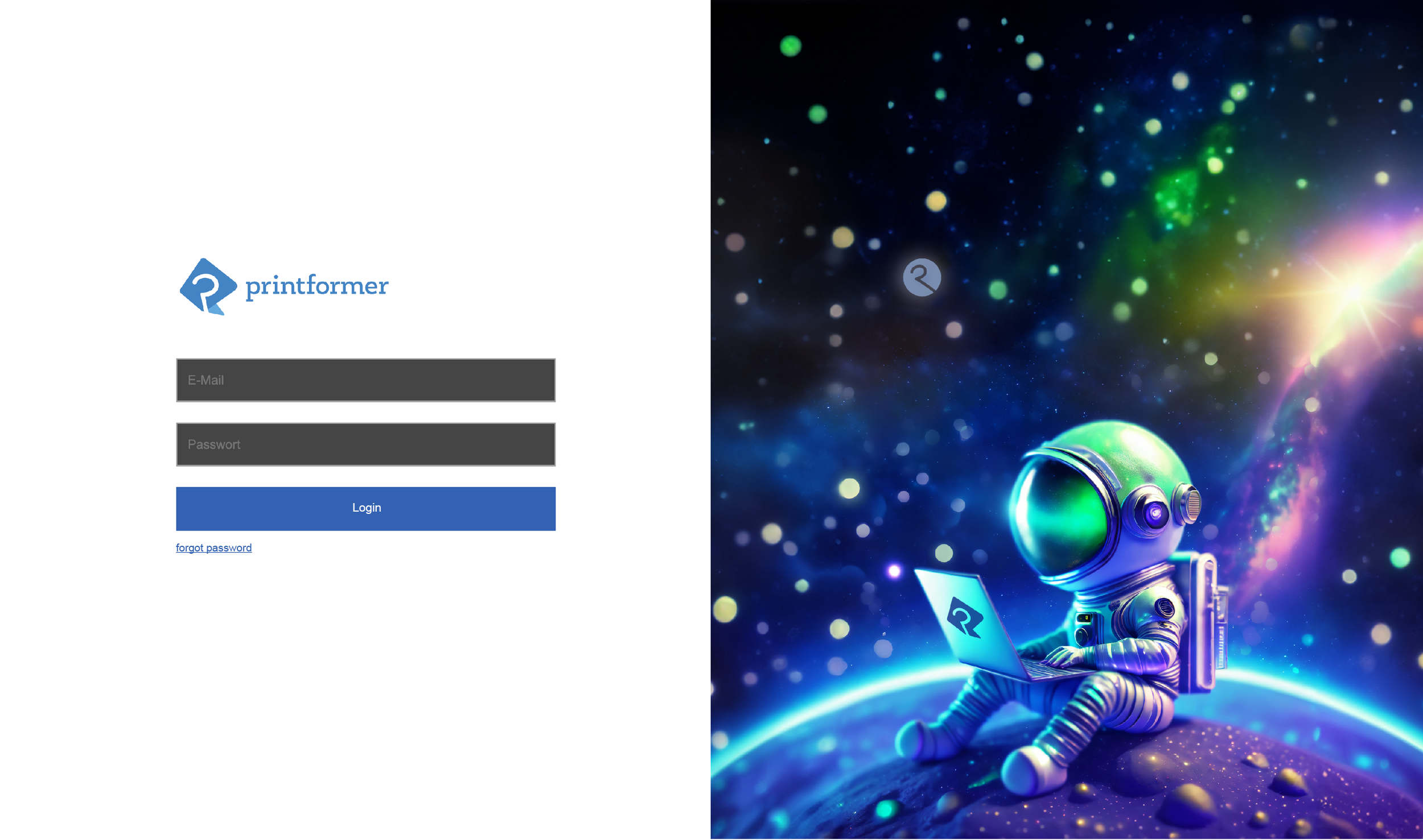
Configuration
|
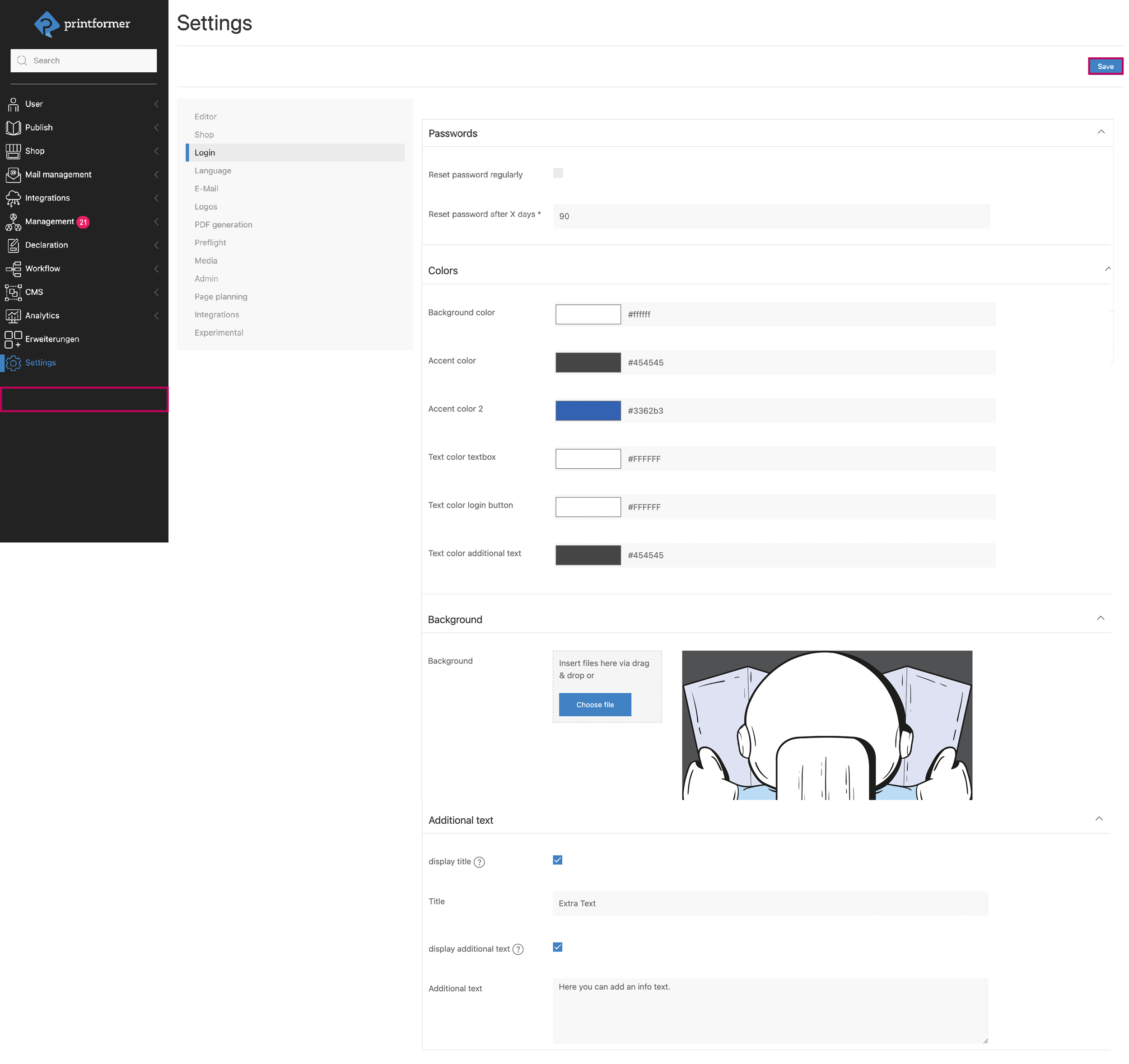
Settings > Login |
|
Passwords |
Setting whether and after how many days the password must be reset |
|
Colors |
Selection of colors for the login field (via color picker or hexadecimal values) |
|
Background |
You can upload your own image for the login to the ClosedShop. |
|
Additional text |
Here you can define whether an additional headline or info text should be displayed and enter it (the colors of the texts are adjusted via the Colors submenu). |
Logo
|
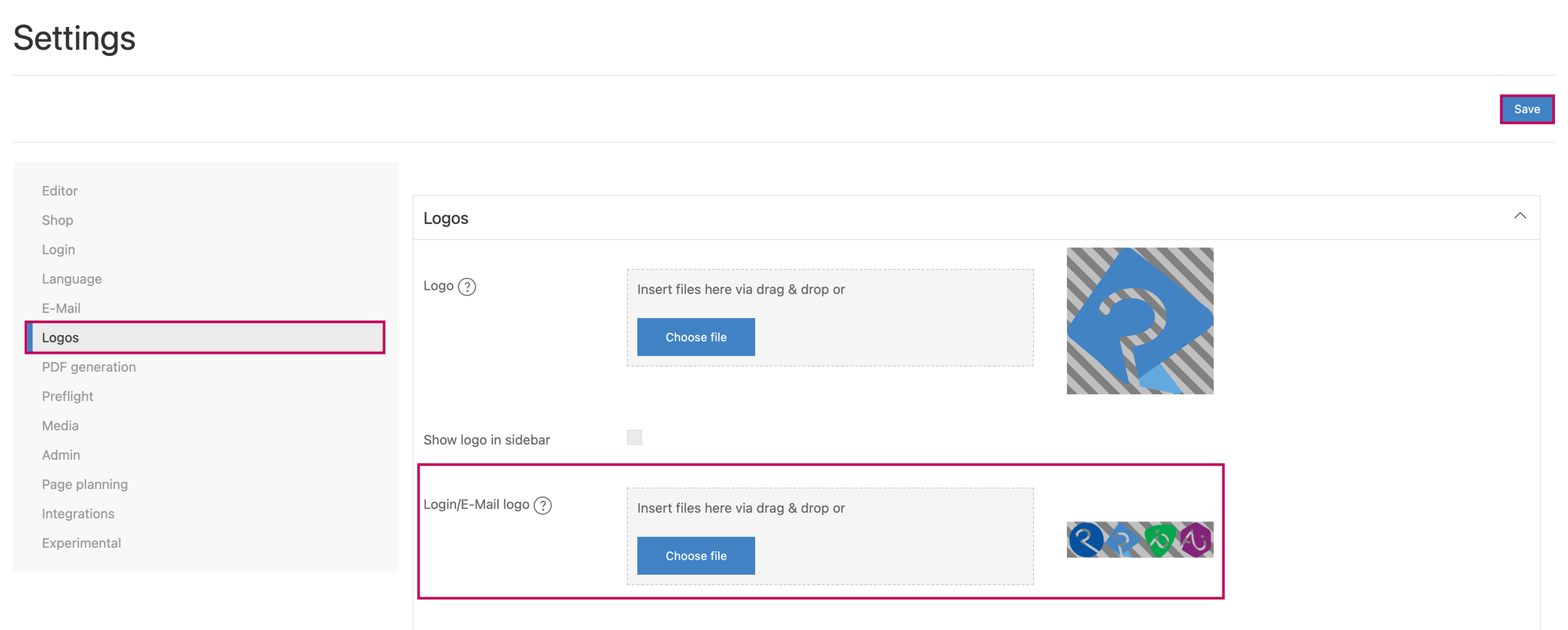
Settings > Logos |
|
Logos |
The file to be displayed as the logo on the login page is uploaded under Login/E-Mail Logo. |
Currently, the background image cannot be set at client level (only general), the implementation to customise the background per client will follow.
info: The login page for the admin area (.printformer.com/admin/login) cannot be customized.
The release notes are displayed below the login fields.